
- Published at
CSS @scope for beginners
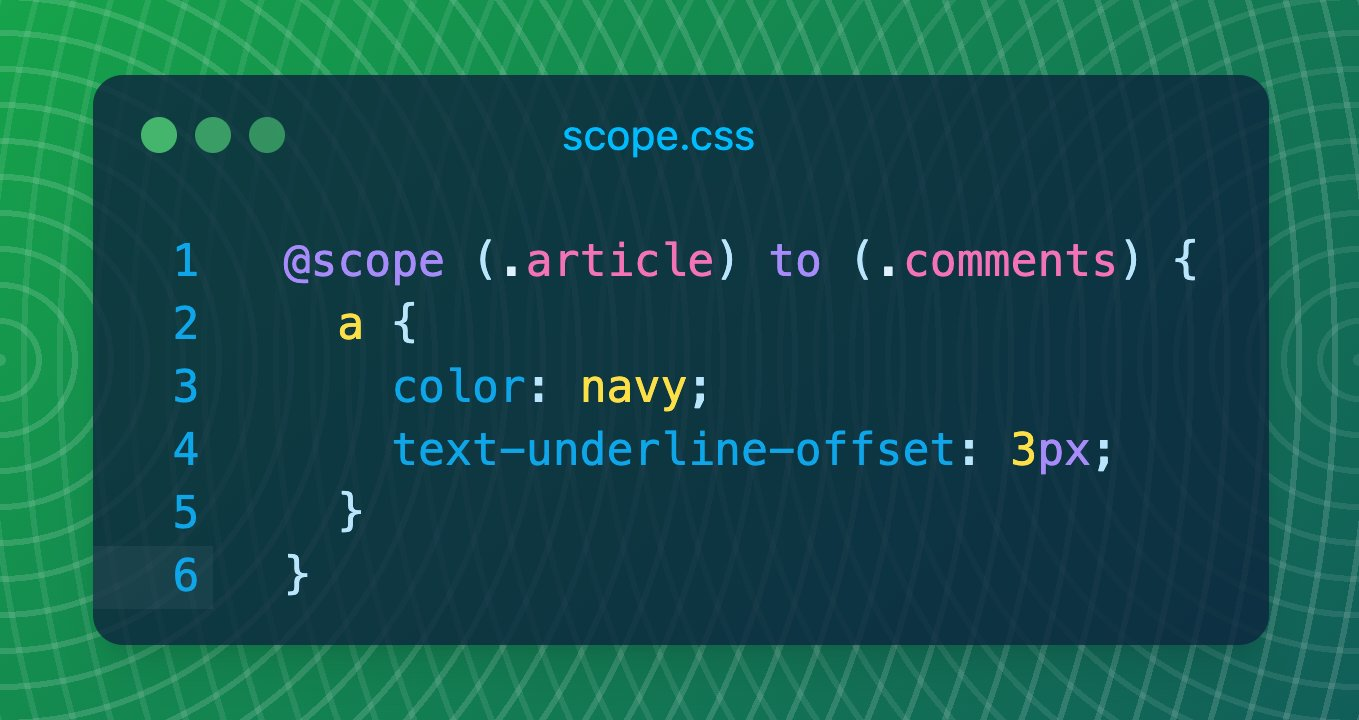
@scope fences CSS so short selectors stay inside a card, article, or theme island — and can stop before a nested widget.
Table of Contents
CSS is global - that’s the most important thing to understand! A rule like p { color: gray; } hit every paragraph on the page. That is why people invent long class names article__body-text (BEM) or wrap everything in extra selectors.
@scope, on the other hand, gives you a fence! You say: “these rules only apply inside this part of the page — and maybe stop before that other part.”
While a bit confusing, @scope is a powerful tool for keeping styles local and avoiding unintended leaks, and once you get the hang of it, it becomes easy to remember and use.
Let’s get started with a simple example.
1. Bare @scope (inline in HTML)
The minimal use of @scope is to define styles that only apply inside a specific element.
<article>
  <style>
    @scope {
      p {
        line-height: 1.6;
      }
    }
  </style>
  <p>Styled — it lives inside this article.</p>
</article>

<p>Not styled by that block.</p>
article is the scope root in this case. And only p inside it are styled, not p outside it. Super useful for custom components to encapsulate styles.
2. @scope with a start (the root)
This example is the same as the previous one, but here we explicitly specify the scope root.
@scope (article) {
  p {
    line-height: 1.6;
  }
}
Hope that makes sense; nothing extra to explain here! Let’s move on to the next example, where most developers get confused.
3. @scope with a start and an end (the “donut”)
Here’s the part where the most fun begins; @scope won’t have the power it has now without the to keyword.
@scope (article) to (.comments) {
  p {
    max-width: 65ch;
  }
}
Let’s go over it and explain in short what to (...) is.
It says, “select all p inside article that are not inside .comments, even if .comments sits inside article.” - Hope that makes sense. Paragraphs in the article get the style. Paragraphs inside .comments do not!
In short, to (...) is the scope limit.
A more common example for us as developers is applying styles to code but not the code inside pre:
@scope (article) to (pre) {
  code {
    background-color: var(--color-primary-50);
    padding-inline: 0.3rem;
  }
}
That’s what I use for this blog, btw! I find it so easy; that I didn’t even bother to think about other ways to do it. Simple and effective!
If we use article > code that won’t apply to code inside p, or inside other tags, if I use article p code, that affects even the code inside pre, and won’t affect article code.
That’s where the @scope comes in. But this is not it; what if we want to apply the styles to the @scope root?
4. A more precise limit with :scope
Let’s say you have a .featured article that contains .comments inside it.
You want to limit the p inside article to stop at .comments only when that article sits inside .featured.
<article class="featured">
  <p>...</p>
  <div class="comments">
    <p>...</p>
  </div>
</article>
Here’s how we can use :scope to apply the styles to the article if it sits inside .featured:
@scope (article) to (.featured :scope .comments) {
  p {
    max-width: 65ch;
  }
}
Notice how we use to (...) to define the parent of the article.
It’s a smart way to apply the styles based on parent context. Clever!
So a featured article can cut styles off at comments. A regular article would not use that same cut.
@scope vs :scope
They look alike. They are not the same tool.
@scope | :scope | |
|---|---|---|
| What it is | An at-rule. It creates the fence. | A pseudo-class. It points at the current root. |
| Job | “Apply these rules only in this subtree.” | “Select the root of that subtree.” |
Outside @scope | — | Same as :root (usually <html>). |
Inside @scope | — | The element you put in the parentheses (or the parent of an inline <style>). |
Inside @scope, a bare p already means ‘p under this root.’ You only need :scope when you want the root element, or when you write a limit that talks about the root. (& can also mean the root inside @scope, but its specificity is a bit different.)
When to reach for @scope
Use it when:
- a component should own short selectors (
img,h2,a) without BEM soup - a nested block should be excluded (donut /
to) - you want a
<style>block to apply only to its parent
Modern browsers support it (Baseline, newly available). Older ones ignore the at-rule, so keep a simple fallback if you still support them.
For a comprehensive guide, see MDN’s @scope documentation.