
- Published at
safe
in flex and grid alignment
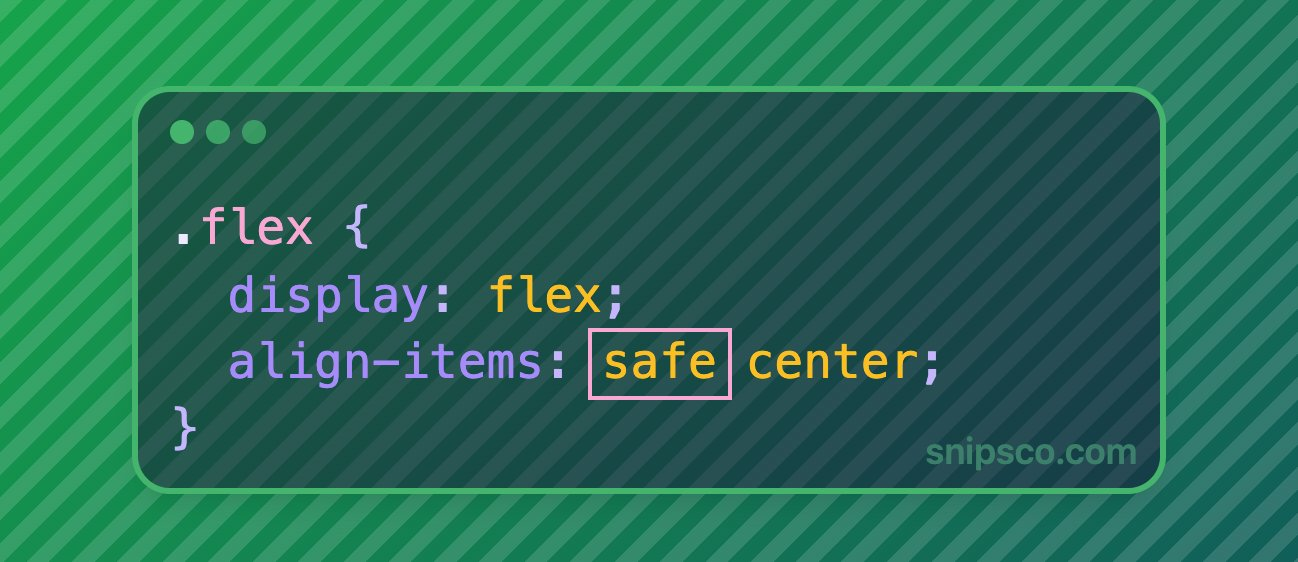
Box alignment lets you write values like safe center instead of plain center. Here is the short version of what that buys you.
What does safe mean?
Alignment keywords such as center or end can center or push content in a way that overflows the scrollable area on both sides. In the worst case you cannot scroll far enough to see where the content starts.
The safe keyword tells the browser: use the requested alignment only if it does not cause that kind of “lost” overflow. If it would, fall back to start alignment (the safe edge for reading order) so the content remains fully reachable by scrolling.
Syntax: put safe before the alignment keyword, for example align-items: safe center; or justify-content: safe center;. The opposite is unsafe, which keeps the chosen alignment even when overflow is awkward.
Flexbox vs grid
The same idea applies to both flex and grid wherever the Box Alignment properties apply: for example justify-content, align-items, justify-items, place-content, and the *-self variants on individual items.
You will notice it most in scrollable regions (overflow) or when the viewport is narrower than the aligned group. It is a small addition to your CSS that prevents subtle scroll traps for centered or end-aligned layouts.
Each inner strip is horizontally scrollable so you can inspect how the aligned items overflow. Each row shows flex and grid side by side with the same values.
Flex and grid
same box-alignment rulesThe alignment container itself is narrower than its items, and each strip is horizontally scrollable so you can inspect overflow behavior. Row 1 — center (unsafe center behavior) ; row 2 — safe center; row 3 — start (flex-start / start).
1 · justify-content: center
Flex
Grid
Leading gap before “A” at the green line when the window is narrower than the inner track.
2 · justify-content: safe center
Flex
Grid
Should match row 3 when the safe fallback applies.
3 · start (reference)
Flex
Grid
Explicit start—flush to the green marker (typical safe fallback).
Green line = left edge of each clip. Flex uses blue blocks, grid violet—layout rules are the same.