
- Published at
CSS interpolate-size
A CSS property that opts elements into smooth transitions between a fixed length and an intrinsic size keyword like height: auto, min-content, or max-content.
Unsupported Browser
Your browser does not support interpolate-size: allow-keywords. Both examples will snap instead of animating smoothly. Please use Chrome 129+, Edge 129+, or a compatible browser.
What does interpolate-size do?
By default, CSS cannot animate between a concrete length and an intrinsic size keyword. The browser simply doesn’t know how to interpolate height: 0 → height: auto, so it jumps. The interpolate-size property changes this by letting you opt in to keyword interpolation.
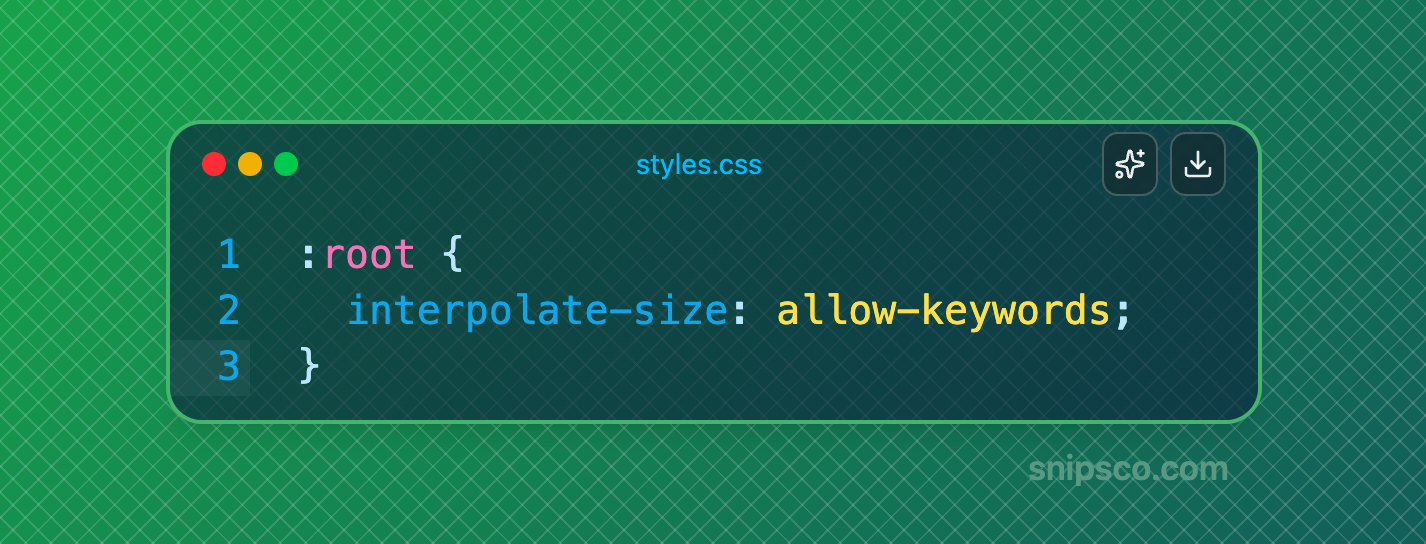
Setting it to allow-keywords tells the browser to resolve the intrinsic size at animation time and interpolate from there. The default value is numeric-only, which preserves the pre-existing (non-animating) behaviour.
Because the property is inherited, you can enable it for an entire document in one line — or scope it tightly to a single component:
Why height: auto used to snap
CSS transitions and animations require both endpoints to be interpolatable — meaning the browser must be able to compute a value at any point between them. Concrete lengths like 0px and 200px are easy: linear math. Intrinsic keywords like auto are not a number — they depend on content, which makes interpolation undefined.
Rather than silently enable this globally — which would break existing pages that rely on the snap behaviour — the CSS Working Group decided to gate it behind an explicit opt-in. The demos below show the difference: the left panel uses numeric-only (snaps), the right uses allow-keywords (animates). For filling the inline size of a box without the classic 100% + margin foot-gun, see width: stretch.
What can be interpolated
With allow-keywords active, you can animate between a length or percentage and any of these intrinsic keywords:
automin-contentmax-contentfit-contentcontent(for flex-basis)
One side of the transition must always be a concrete length or percentage — animating between two intrinsic keywords is not supported. If you also need arithmetic on the intrinsic size (e.g. auto + 2rem), use the calc-size() function instead.
Browser availability
Experimental — not yet Baseline. Supported in Chromium browsers (Chrome/Edge 129+, Opera 115+, Samsung Internet 28+); not supported in Firefox or Safari. Check Can I Use or MDN for the latest figures.
The fallback is graceful — content still toggles, just without animation; use @supports (interpolate-size: allow-keywords) to apply the transition only where it works.
Click a message in each panel to expand it. The left demo uses the default numeric-only behaviour and snaps; the right uses allow-keywords and animates smoothly. In unsupported browsers both panels will snap.
Without interpolate-size
Snapsauto?With interpolate-size
Smoothheight: auto in modern CSS?