
- Published at
width: stretch
A standardized keyword that fills available space using the margin box rather than the content or border box—and the short declaration pair you can drop into stylesheets.
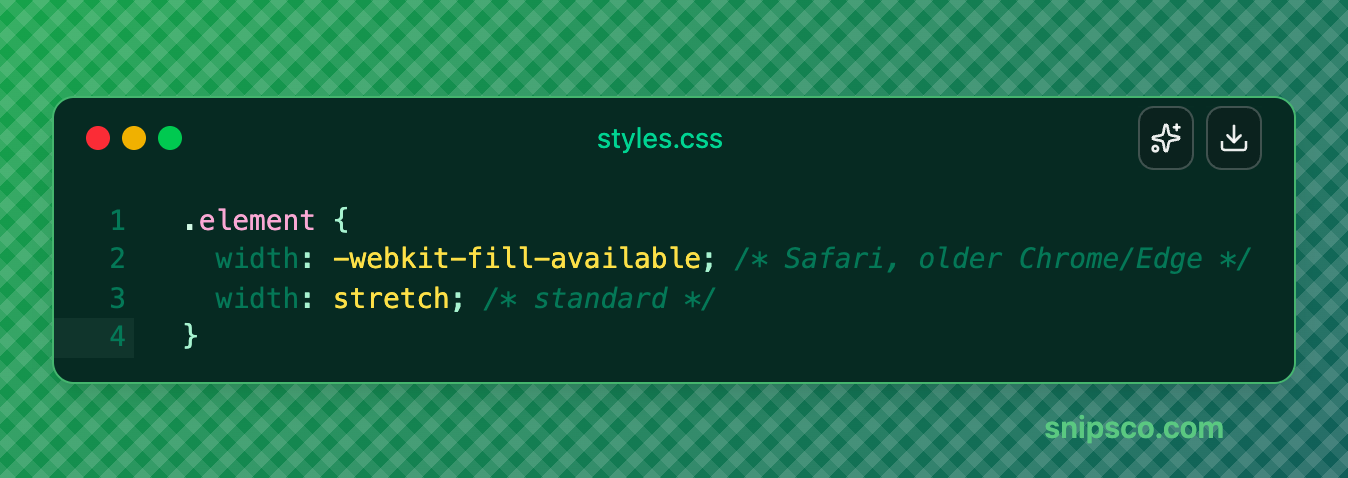
What does stretch do?
The stretch keyword sets the element’s margin box to the width of its containing block. In practical terms: margins are included in the calculation, so the element automatically shrinks to leave room for them.
This is defined in CSS Box Sizing Level 4 and documented on MDN.
How it differs from width: 100%
width: 100% sizes the content box (or the border box when box-sizing: border-box is set) to 100% of the parent’s width. Any horizontal margins are added on top, pushing the total beyond the container’s edge and causing overflow.
width: stretch targets the margin box instead. The browser subtracts the margins before setting the content size, so the element fills the available space without overflowing—no matter what margin value is applied.
Not just width
The same stretch keyword applies to height, max-width, and max-height. The sizing logic is the same: margin box fills the available space in the relevant dimension. When you later want to animate those intrinsic heights (for example toward height: auto), that is where interpolate-size comes in. See the respective MDN pages for details on each property.
What to write in production
Declare the prefixed line first, then stretch: engines that only understand the prefix use it; browsers that support the standard keyword override it.
Global usage of -webkit-fill-available sits around ~96% according to Can I Use.
Set a horizontal margin and compare 100% to stretch (live preview uses the two-line stack). The green shading marks the margin zones.
margin-box vs content-box
interactiveAdjust the horizontal margin and compare 100% to stretch (the live preview uses the real declaration pair: prefixed fill-available first, then the standard keyword).
width
Result
Overflows — scroll right to see the clipped end